
A clearer picture in
a few simple steps.
Wendoo doesn't ask for a bank login or a crash course in budgeting. Start with what you know, and let the calendar show you the rest.
Open the appTell Wendoo what you're working with.
Create a calendar for checking, savings, or a credit card. Add the starting balance and date—your foundation for every projected balance that follows.
No bank connection required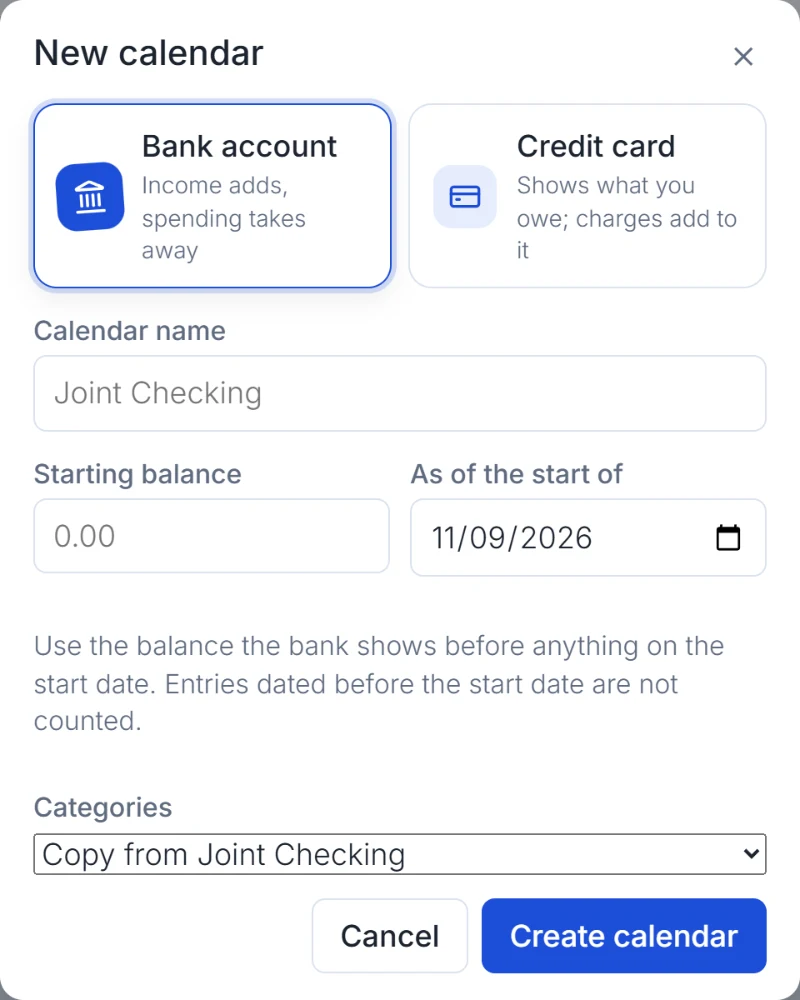
Put real life on the calendar.
Add paychecks, rent, utilities, subscriptions, and anything else you know is coming. Use recurring rules to set things once instead of doing the same work every month.
Repeat bills and income automatically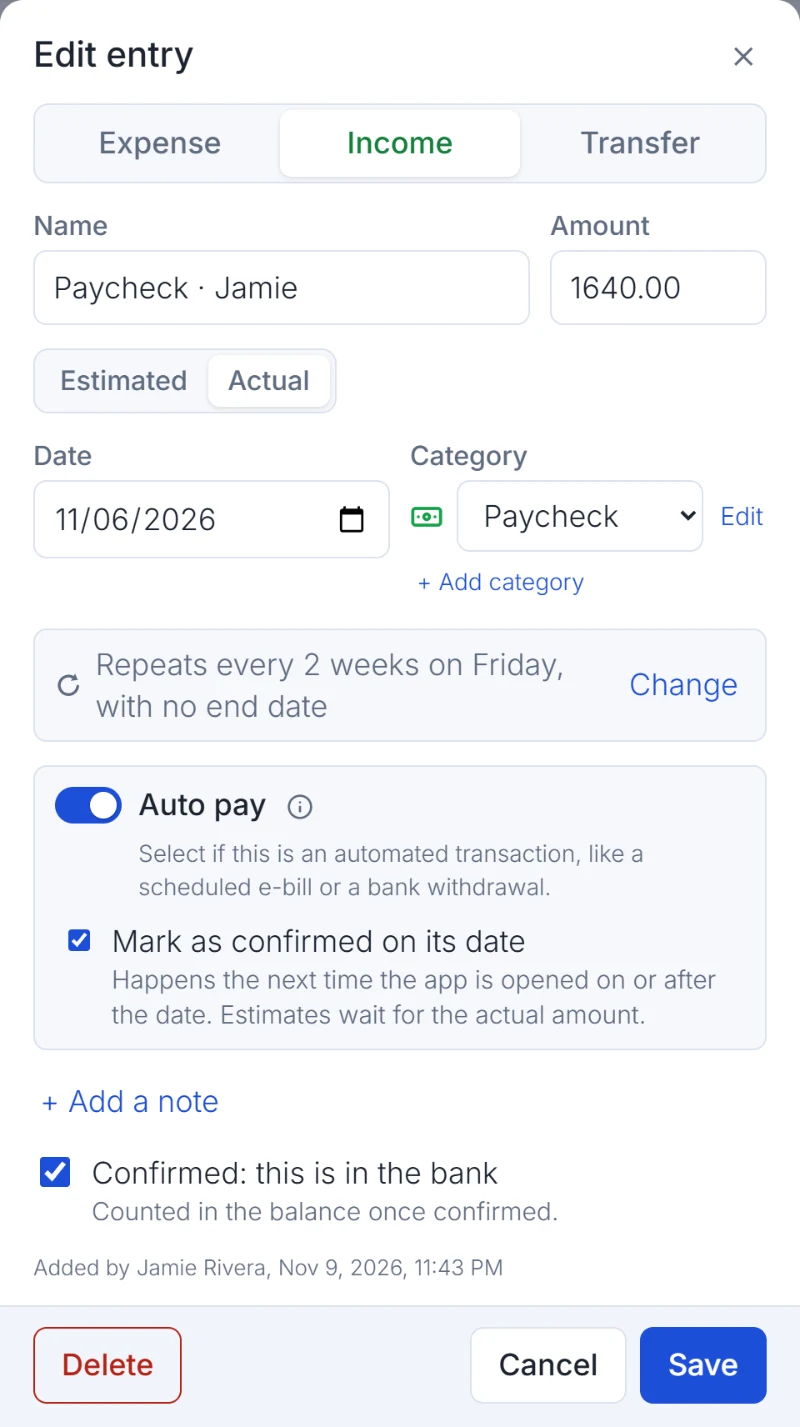
Look ahead before you make a move.
Each day shows a projected balance based on what you've entered. See the low spots, check whether a purchase fits, and adjust the plan before a surprise shows up.
Today's view, tomorrow's confidence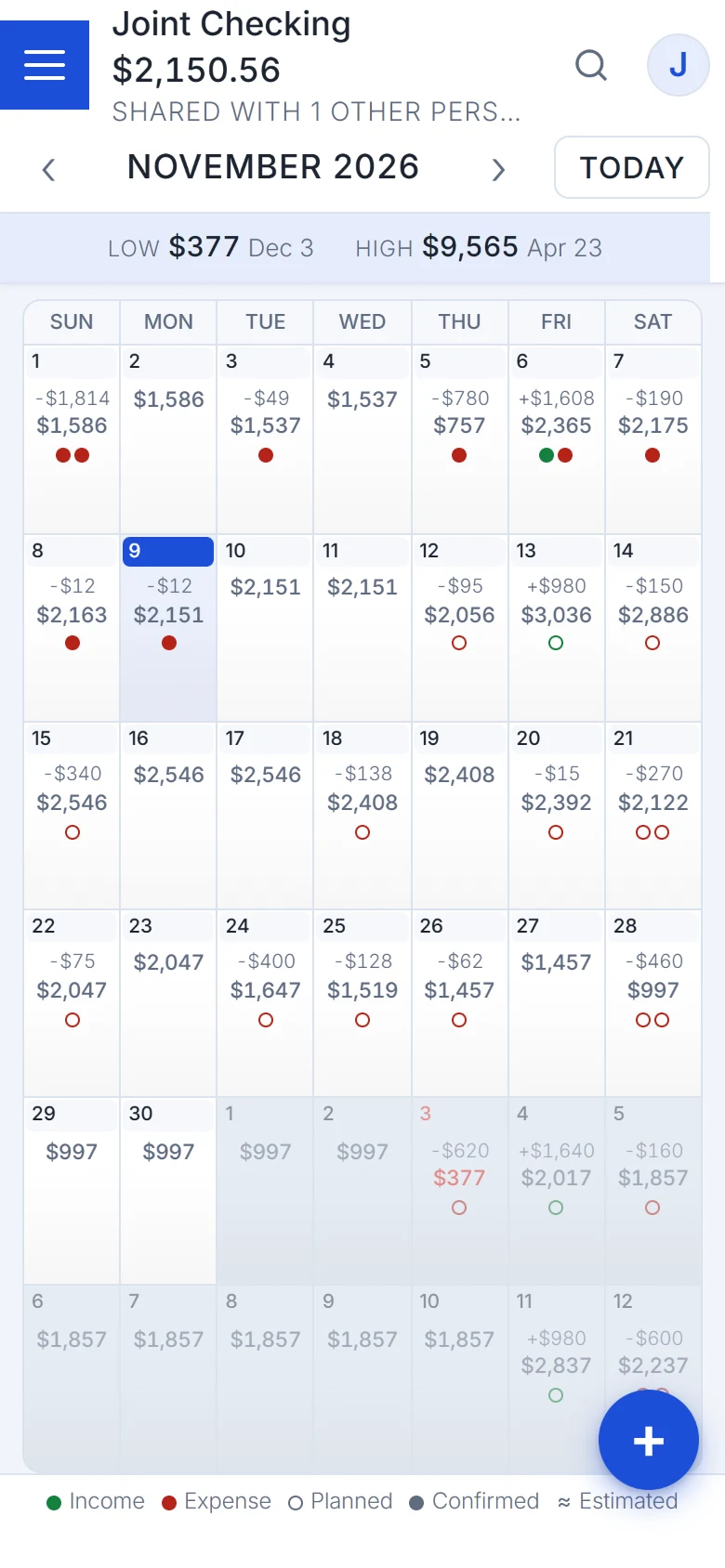
Bring people in—or keep it yours.
Invite the people who share a financial responsibility with you. Only calendars you choose are shared. And when a bill lands in your inbox, Email In can help update the calendar.
Works just as well for one person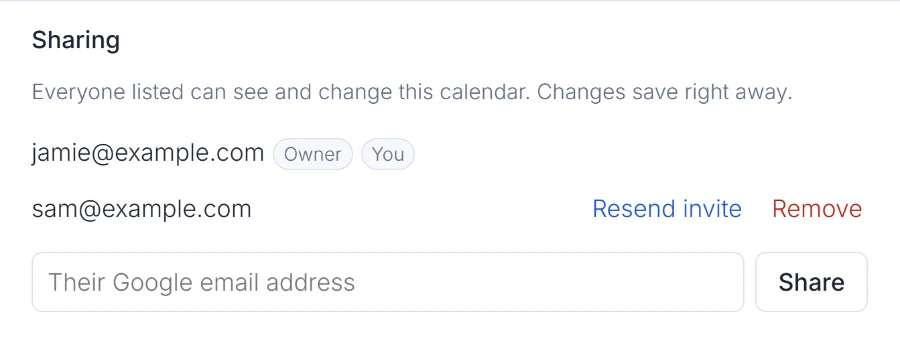
Ready to stop guessing?
Start with one calendar. The picture gets clearer with every bill or paycheck you add.
Start with Wendoo